
Challenge
For Most Up To Date Guide Please use this QR Code:
Cause
n/a
Solution
Interoral Camera: Sopro 717

Under Image Aquisition scroll to the bottom and select Twain Sorpro...
Interoral Camera: MouthWatch
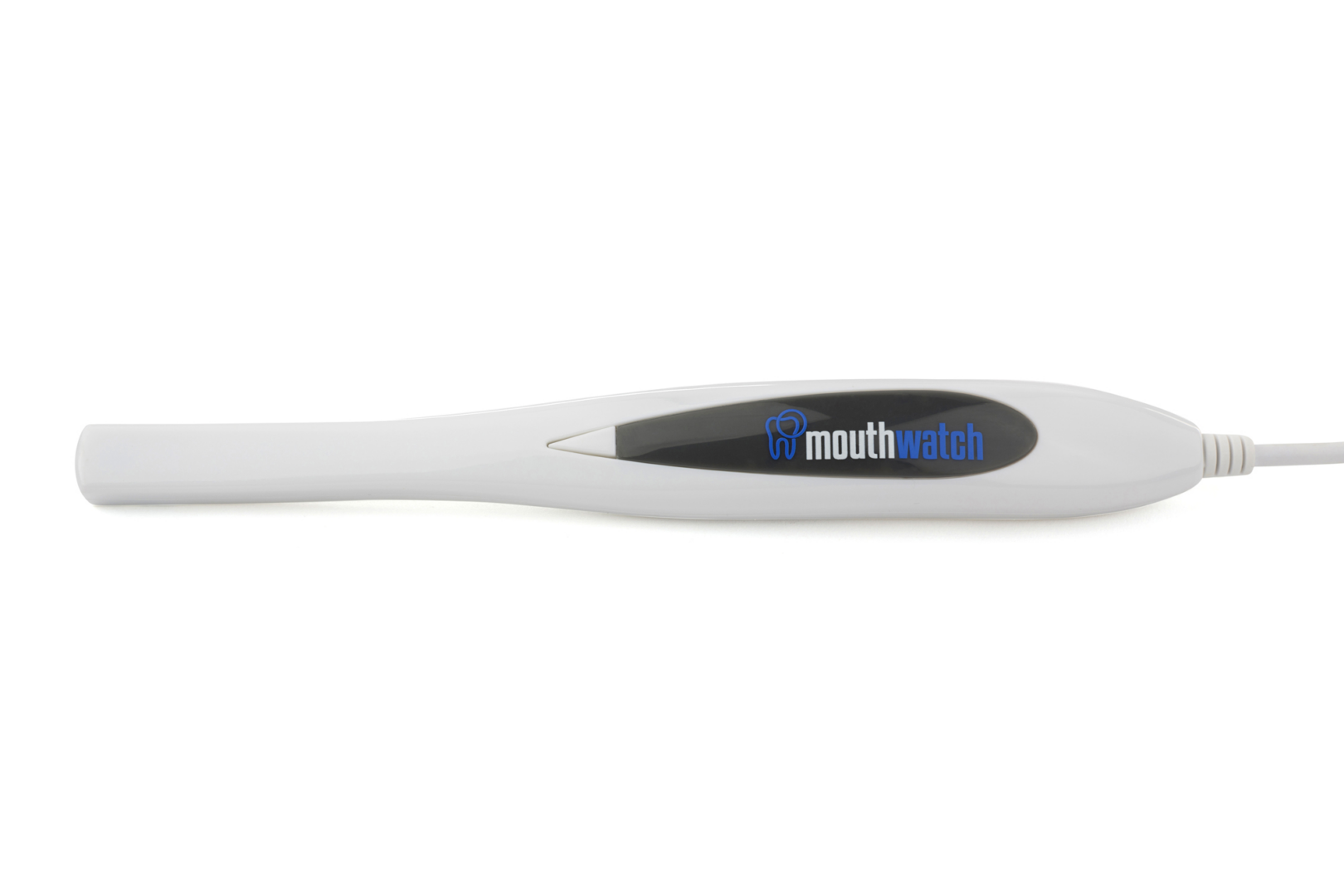
Under Image Aquisition scroll down and select Generic IOC...
Interoral Camera: Digidoc Iris

Under Image Aquisition scroll down and select TwainCapture...
After Images have been taken select either Import Selected or Import All depending on your situation.
Sensors: Schick AE/Schick 33 Elite/All Shicks
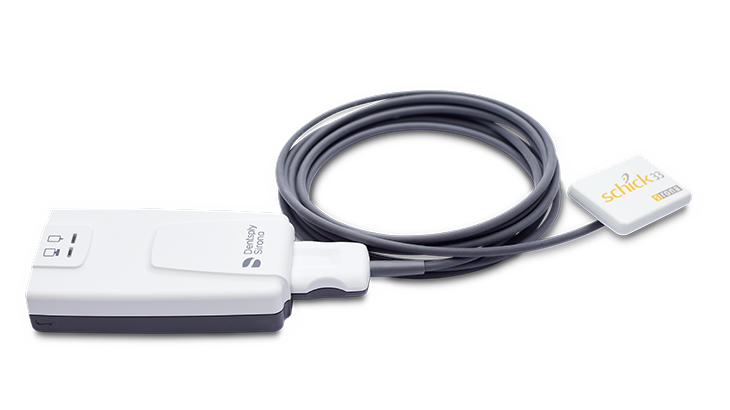
Under X-Ray options select Sirona / Schick USB 3/ AE...
Sensor: Henry Schein Carina Sensor
Under X-Ray hardware selection, select CARINA
Sensor: Dexis (formerly Kavo) IXS Sensor
Under X-Ray hardware selection, select GXPicture
Pan/Ceph: Instrumentarium OP200D Pano
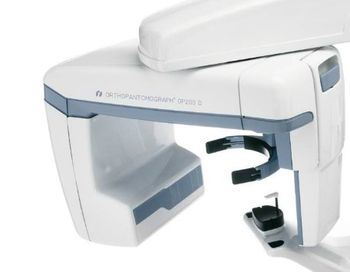
Scroll to the very bottom of the list and under "Twain Devices" select "Instrumentarium Soredex TWAIN"
Pan/Ceph: Instrumentarium 3D CBCT :

1. Select Kavo Devices
2. This will open the Dexis/Kavo TWAIN. Make sure device is connected and take the image. If this does not pop up right away, confirm it's not hidden in the background by looking for the icon on the toolbar.
3. After Image is taken, make sure to select the Return Image button (No picture yet).
More Information
Comments