
Challenge
When taking screenshots in FastAttach of Dentrix on the server, FastAttach doesn't go to the front of all windows.
Cause
FastAttach does not automatically get placed on top of all other windows in Windows 10/Server 2016.
Solution
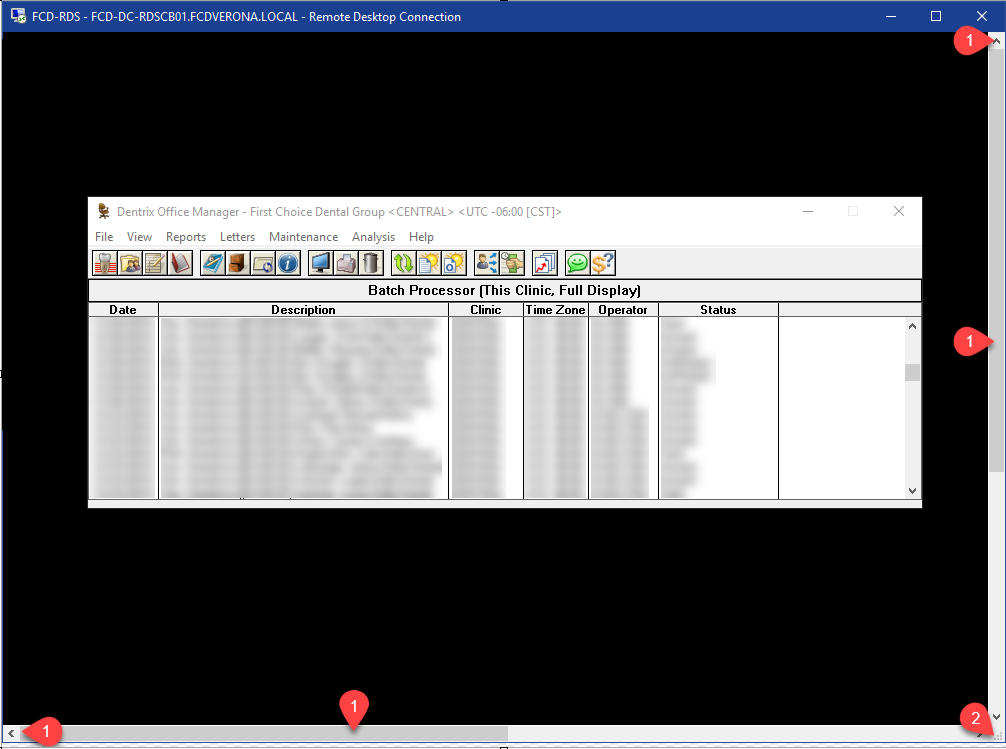
1. Minimize (1) Server window.

2. Move screen (1) to focus on what is needed for the screenshot for fast attach. You may need to expand (2) the window to get all needed information on the screen.
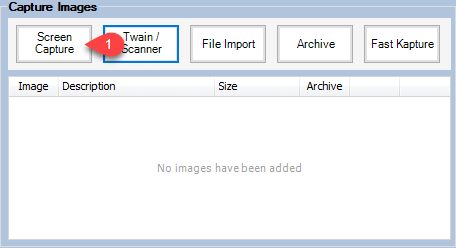
3. Go into FastAttach and click Capture Screen (1).
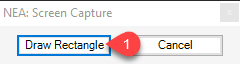
4. Click Draw Rectangle (1) and capture required information.
More Information
Comments