
Challenge
K7 Viewer installed and trying to connect to database on another computer.
Cause
K7's main database is located on remote computer and K7 Viewer install needs to access database.
Solution
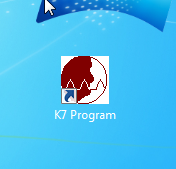
1. Open K7 Program
2. In Disk Drive drop down menu select "T: Drive (Network)"
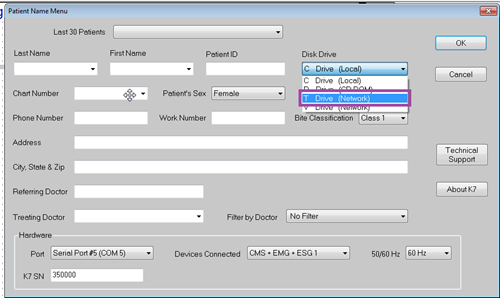
3. After connecting to database on K7, searching patients will be enabled.
More Information
This will only work if you are part of the TMJ group and logged into the computer under your user account. If you need access to this contact IT.
Comments